
On August 8 I went looking for a password reset and found six administrator accounts I had not created. They were named w2s_ followed by twelve hex characters, with email addresses at a domain that does not exist. The oldest had been created on July 25. Alongside them sat four plugins with plausible names — core-helper, site-tweaks, wp-optimizer, and one that did not bother with the pretense, wp2shell — each containing the same three files, each registering an unauthenticated REST route whose permission callback was the literal function __return_true.
Someone had held my WordPress site for twelve days. They had come back six separate times, planting a fresh copy on each visit and occasionally deleting the previous one.
They got in through a WordPress core vulnerability that had been patched eight days before they used it. The files arrived the most mundane way imaginable: they wrote themselves an administrator account straight into the database, logged in with it, and used Plugins → Add New → Upload Plugin. That is why all 3,951 core files still matched the official checksums. Nothing was hacked in the cinematic sense. Someone used the front door with a key they had minted themselves.
The breach is not the interesting part. Commodity WordPress toolkits compromise thousands of sites a day and this one was not clever. The interesting part is what I found while cleaning it up, which is that four separate systems had been reporting that I was protected, and every one of them was producing nothing at all.
They Were Not After the Website

My first assumption was SEO spam. That is what these things usually do: inject links into your posts, redirect mobile visitors to a casino, monetize your traffic and move on. I checked every published post, every option row, every uploaded SVG, the theme, the must-use plugins, and all 3,951 WordPress core files against the official checksums. Nothing was modified. No injected scripts, no redirects, no defacement.
Then I read the payload. The largest file in each kit, about 30KB, was not a spam injector. It was a kernel privilege-escalation targeting engine.
What That Actually Means, in Plain English
Every Linux machine runs a core piece of software called the kernel, and like anything else it gets security patches. When someone finds a flaw, the fix lands in the main Linux source code on one date. Then each vendor — Ubuntu, Debian, Red Hat — copies that fix into their own version on some later date. That copying step is called a backport, and the delay between the two varies from days to weeks depending on the vendor and the severity.
The payload’s job was to work out, without asking anyone, whether my particular machine had received those fixes yet. It reads five things off the system: the kernel version number, the date that kernel was compiled, which optional modules are currently loaded, whether a debugging protection called ptrace_scope is switched on, and whether ordinary users are permitted to create their own namespaces. Those five facts are enough to make a very good guess about which patches are present and which are missing.
Then it checks that fingerprint against a built-in table of known 2026 vulnerabilities, and this is the part I could not stop looking at. It does not ask one question. It asks two. Is this kernel older than the date the fix entered Linux? Then yes, definitely vulnerable, go. Is it somewhere between that date and the date vendors typically shipped the backport? Then maybe, because you cannot tell from outside whether this specific build received it. Newer than both? Then no, do not waste the attempt.
A naive tool checks a single date and gets a lot of wrong answers, because that gap between upstream fix and vendor backport is exactly where the ambiguity lives. Whoever wrote this had clearly been burned by that and built for it. It is the sort of care you would praise in a colleague. It impressed me in the way a well-made lockpick impresses you while it is being used on your door.
Several entries in that table carried the annotation “container escape.” That is the tell for what they actually wanted. My website runs inside a container, which is a walled-off compartment on a larger server. Getting into the website gets you the compartment. A container escape gets you the whole machine, and everything else running on it.
The Kernel Was Ten Weeks Stale and a Fixed One Was Already on Disk

I ran my own machine through their matrix. The kernel I was running had been built on May 5. Against that build, one entry scored a clean go, with the annotation “needs only CONFIG_FUTEX_PI (universal); 97% reliable, container escape.” Two more came back maybe. Two came back no, because they required kernel modules that happened not to be loaded on my system.
So the assessment was accurate. They had a scored, reliable path off the container.
Though not for as long as I first thought. Comparing the four kits afterwards, the one planted on July 25 contained three functions and no kernel code whatsoever. The entire escalation engine appears first in the August 3 build, and the August 3, 5 and 6 copies are byte-identical apart from per-install tokens. So they held a scored escape for five days, not twelve. They arrived with a crowbar and came back later with the good tools.
Here is the part that is genuinely my fault. A patched kernel had been installed on my server on August 7. The bootloader default already pointed at it. The file was sitting on disk, correct and ready. The machine had simply not rebooted since May 27, so it kept running the May kernel for ten weeks while the fix sat inches away. The system had set its own reboot-required flag and nothing was watching for it.
That is the failure everyone recognizes and nobody wants to admit to. Uptime feels like an achievement. Ten weeks without a restart reads as stability. It was not stability, it was a fixed vulnerability I had downloaded and declined to activate.
So Why Didn’t They Use It?
This is the question I could not shake, and the one everybody asks when I describe the incident. If they had a working escape and five days, why is there no sign they took it? Every artifact a successful host compromise would leave behind is absent: no unfamiliar SSH keys, no scheduled jobs, no new system accounts, and a set of decoy credential files that were never read.
The honest answer is that I do not know, and no surviving log can tell me. But the shape of the tool suggests one.
This is mass-compromise infrastructure. It was never aimed at me specifically. Something scans continuously, takes a foothold wherever it can, and installs this same kit across thousands of hosts. Fingerprinting is free — it is a few file reads and costs the operator nothing to run everywhere. The exploit is the expensive part. It can crash the machine and cost them the foothold, it makes noise that gets it noticed, and burning a reliable escape on a low-value target risks the technique itself. So you triage. You fingerprint everything, and you spend the exploit only where the score says it lands and the host looks worth the trouble.
Mine scored a go. What I cannot tell you is whether I sat near the top of that queue or somewhere in the middle of a list ten thousand long. Being unremarkable may have been the entire defense, which is not a defense I would recommend building on.
How They Actually Got In, and the Part I Am Least Proud Of
I wrote most of this piece believing the entry vector was unrecoverable. My logs retain about two days and the intrusion was fourteen days old when I found it, so I had written a paragraph saying, honestly, that I would never know.
Then I searched my own archive for the string wp2shell, because the attacker’s accounts were named after it, and found that I had published an article about it on July 20. Five days before it was used on me.
wp2shell is not the name of a crew or a botnet. It is the name of a WordPress core vulnerability chain: CVE-2026-63030, a batch API route confusion, plus CVE-2026-60137, the SQL injection that the confusion enables. It was disclosed on July 17 and patched the same day in WordPress 7.0.2 and 6.9.5. Public proof-of-concept exploits were on GitHub by July 18. Exploitation in the wild was confirmed that same morning.
My site was compromised on July 25, eight days after the fix shipped. When I finally looked this week, it was running WordPress 7.0. Not 7.0.2. The patched release had never installed.
So the question stops being “how did they get in” and becomes “why did a security release that WordPress.org force-pushed to hundreds of millions of installations never reach mine.”
The answer is the fourth instance of everything this article is about, and it is the one that actually stings.
At some point I hardened my configuration. Among the rules I added was one blocking public access to wp-cron.php, which is sensible on its face — that endpoint can be hammered to burn CPU. What I did not appreciate is that WordPress triggers its own scheduled tasks by making an HTTP request to that same file. My rule did not distinguish between the public internet and WordPress talking to itself. Both got a 403.
WordPress supports exactly this setup. You set DISABLE_WP_CRON and drive the schedule from a real system cron instead. I had done the first half of that, the blocking, and none of the second half. Nothing was driving the schedule.
So WP-Cron had been dead since March 2. Thirty-one scheduled events were overdue, the oldest by a hundred and fifty-nine days. Core auto-updates run through WP-Cron. The 7.0.2 security release could not install because the mechanism that installs it had been quietly dead for four months.
And in the admin, the whole time, the setting read enabled.
That is the shape of every failure in this incident, and here it is at its purest: a security measure that silently disabled security updates, while continuing to report that updates were on. I did not skip a patch. I broke the thing that applies patches, four months earlier, in the act of trying to be careful, and nothing anywhere told me.
Livepatch Reported Nothing to Apply

I had assumed I was covered, because I pay for Ubuntu Pro and Livepatch is enabled. Livepatch exists precisely for this: it applies kernel security fixes to a running system without a reboot, which is supposed to make the ten-week uptime survivable.
When I actually checked its status in detail, rather than checking that it was enabled:
patchState: nothing-to-apply
patched-cves: []
fixes: ""
An empty list. Through the entire window it had applied nothing. The service was running, enabled, healthy, and green in every summary view, and it had patched zero vulnerabilities. It was not lying to me. I had simply never asked it the second question, which is not “are you on” but “what have you actually done lately.”
Every System Said It Was Working

The dead scheduler was not an isolated embarrassment. It was the theme of the entire day.
My database backups ran daily and had for months. Fourteen consecutive dumps, timestamped, validated, retained on a rolling window. They covered one database engine. My WordPress database — every post, every page, every user, the actual product — was not backed up at all. Not corrupted, not stale. Nonexistent. If this had been ransomware instead of a foothold, I would have lost the site completely.
Then there were the pre-upgrade snapshots of my deployment platform. I found a cron job that dutifully deletes those snapshots when they exceed fourteen days old. It had been running since June. The directory was empty. It had been deleting nothing, every day, for two months, because nothing had ever created a snapshot to delete. Only the deletion half of that system was ever automated. The half that produces the backups was a manual step in a document, and manual steps in documents decay.
Four systems, then. A scheduler that had been dead for four months while the setting read enabled, a backup that covered the wrong database, a retention policy with no producer, and a patching service reporting an empty list. Every one of them appeared healthy from the outside. A cron job that deletes nothing is indistinguishable, in every log and every dashboard, from a cron job that is working perfectly.
Enforcement at the Edge Is Not Enforcement

One more thing, because it is the finding that scared me most and it was not the attacker’s doing.
My admin dashboards sit behind an identity gate. You hit the hostname, you get an SSO login, you authenticate, you get in. From the public internet this works exactly as designed, and I had tested it from the public internet many times.
The gate runs at the CDN edge. My reverse proxy sits inside my own network, and it routes by hostname. Any container that could reach that proxy directly could request those same admin hostnames and receive the real login page, having never passed the edge at all. No identity check, no rate limiting, no log entry.
The compromised web container could reach that proxy. It had an unauthenticated path to my deployment platform’s login screen, which is effectively root on the host, and to the automation platform holding every API credential I own. I have no evidence they took it, and every artifact a successful host compromise would leave behind is absent. But my proxy kept no access log, so I cannot prove they did not try. That absence of evidence is the price of not logging.
The fix took twenty minutes: the origin now verifies that requests actually came through the tunnel, rather than trusting that they must have. The lesson is older than any of my infrastructure. Authentication enforced at one layer is not enforced at the layers beneath it, and “you have to go through the front door” stops being true the moment something is already inside the building.
What to Actually Check on Your Own Site
If you run WordPress and this has made you uneasy, there are five checks worth doing tonight, and none of them need a security product.
Look at your user list and count the administrators. Every rogue account on my site was an administrator with an obviously synthetic username and an email at a domain that does not resolve. Anything you do not recognize is worth treating as hostile until proven otherwise. Then look at your plugin directory on disk rather than in the dashboard, because a plugin that never appears in the admin list still runs. Mine had plausible names and each held only three files.
Then check that WP-Cron is alive, because if it is not, your automatic security updates are not running no matter what the setting says. In the admin, or via any cron viewer, look for scheduled events with timestamps in the past. A handful of overdue events is normal. Anything overdue by weeks means the scheduler is dead and has been for that long. Mine had thirty-one, the oldest by a hundred and fifty-nine days. If you have ever blocked wp-cron.php for security, you must pair it with DISABLE_WP_CRON and a real system cron, or you have turned off updates without being told.
Next, ask whether your backups contain rows, not whether the job exited cleanly. Open the most recent one and confirm it has your posts table in it. A backup you have never restored from is a hypothesis, not a backup.
Finally, on the server itself, compare the kernel you are running against the newest one installed:
uname -r
ls /boot/vmlinuz-*
If the second command lists something newer than the first prints, you have a patched kernel on disk that you are not running, and a reboot is the entire fix. Do not assume a live-patching service covers the gap. Ask it what it has actually applied.
What Going Away Actually Requires

I began this piece intending to argue that blaming myself for lax updates was too simple, because I could not prove the entry vector. Then I found it in my own archive, and the simple version turned out to be right. A patch existed. It was pushed to the entire internet. It did not reach me, because four months earlier I had broken the mechanism that installs patches while trying to make the site safer.
What I relied on to watch the place while I was not looking was reporting success while producing nothing. That is the whole lesson, and I got to learn it twice in one incident: once in the kernel I never rebooted into, and once in the scheduler I silenced by hardening it.
So if you are about to go be somewhere with sand, the useful preparation is not a longer checklist of things to do before you leave. Every item on that list is a thing you did once, in a state of pre-vacation anxiety, and will not do again. The useful preparation is to make sure the systems that keep running without you are capable of telling you when they stop.
Which means alerting on absence rather than presence. Not “did the backup job error,” but “does a backup from the last 24 hours exist, and does it contain rows.” Not “is the patching service enabled,” but “is the running kernel the same version as the newest installed one.” Both of my new alerts are written as questions about output, because a job that fails loudly is a solved problem, and a job that succeeds at nothing is the one that gets you.
It also means checking your logs before you need them. Mine retained two days. The intrusion was fourteen days old by the time I found it, which means the single most valuable question — how did they get in — is permanently unanswerable. Log retention is not something you can retroactively increase after the incident, and it costs almost nothing to extend beforehand.
Go to the beach. Reboot first.
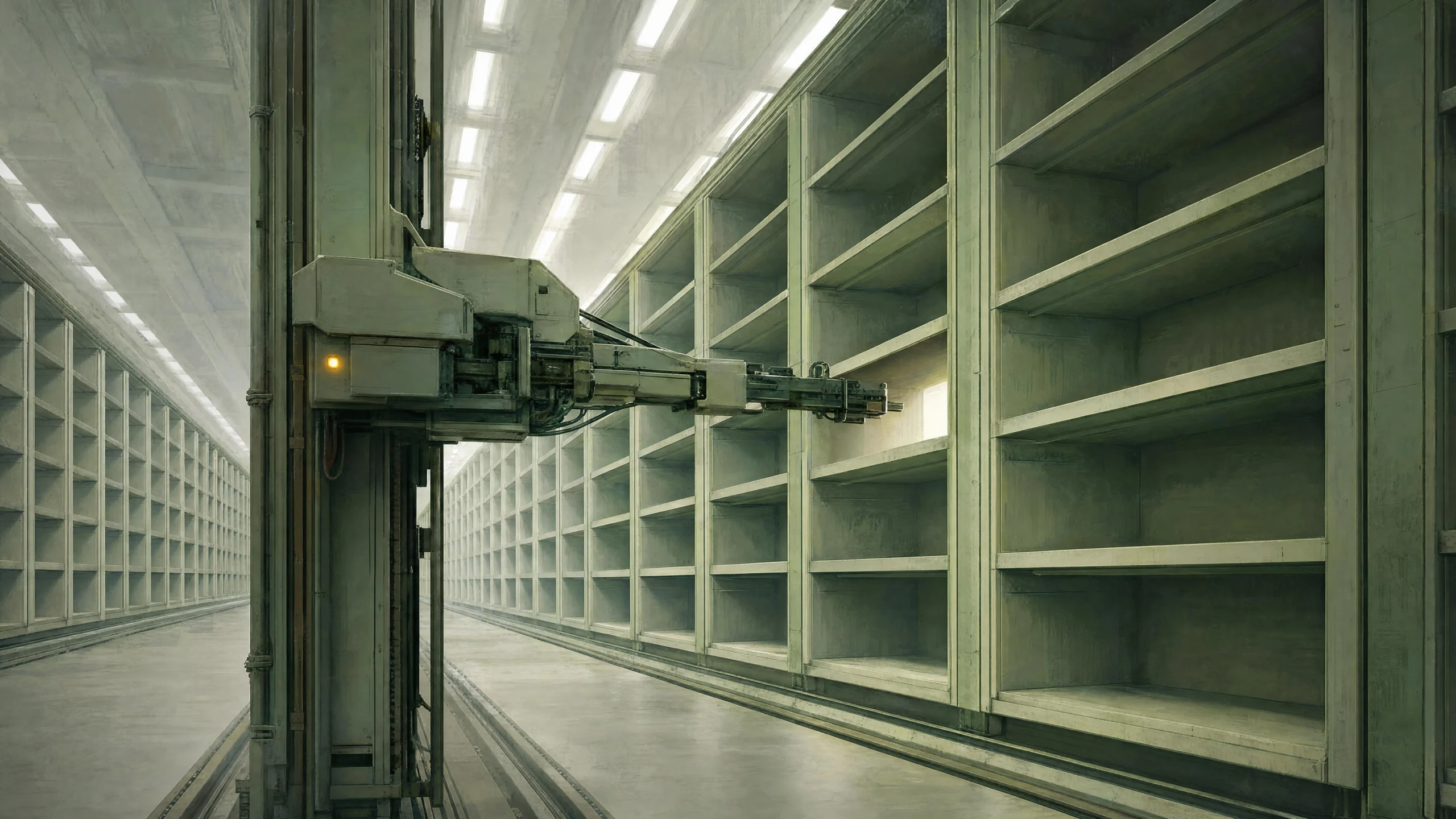
AI-generated editorial illustration · TemperatureZero · August 9, 2026
Keep reading the signal
Get the Daily Signal — a concise briefing on what actually matters in AI and the systems around it.
Subscribe FreeContinue the archive